Sketchware Pro – Build Android Apps Without Coding (Free Download)

Sketchware Pro – Build Android Apps
Without Writing a Single Line of Code
The free, open-source, no-code Android app builder you've been waiting for 🚀
⬇️ Download Sketchware Pro FreeWhat is Sketchware Pro?
Have you ever dreamed of building your own Android app but felt intimidated by coding? Sketchware Pro is the answer. It is a powerful, free, and open-source mobile app development tool that lets anyone — beginners or pros — create fully functional Android applications directly from their phone, without needing to write a single line of code.
Unlike traditional development environments like Android Studio that require years of Java or Kotlin knowledge, Sketchware Pro uses a simple drag-and-drop block system. You visually assemble logic blocks, design screens, and publish real apps — all from your Android device.
Why Choose Sketchware Pro Over Android Studio?
Let's be real — Android Studio is powerful but overwhelming for beginners. Here's a quick comparison:
| Feature | Android Studio | Sketchware Pro |
|---|---|---|
| Coding Required | ✅ Yes (Java/Kotlin) | ❌ No code needed |
| Works on Mobile | ❌ PC only | ✅ Android phone |
| Free to Use | ✅ Free | ✅ Free forever |
| Beginner Friendly | ❌ Steep learning curve | ✅ Very easy |
| Open Source | ❌ No | ✅ Yes (GitHub) |
| Visual UI Designer | ✅ Yes | ✅ Yes (drag & drop) |
Top Features of Sketchware Pro
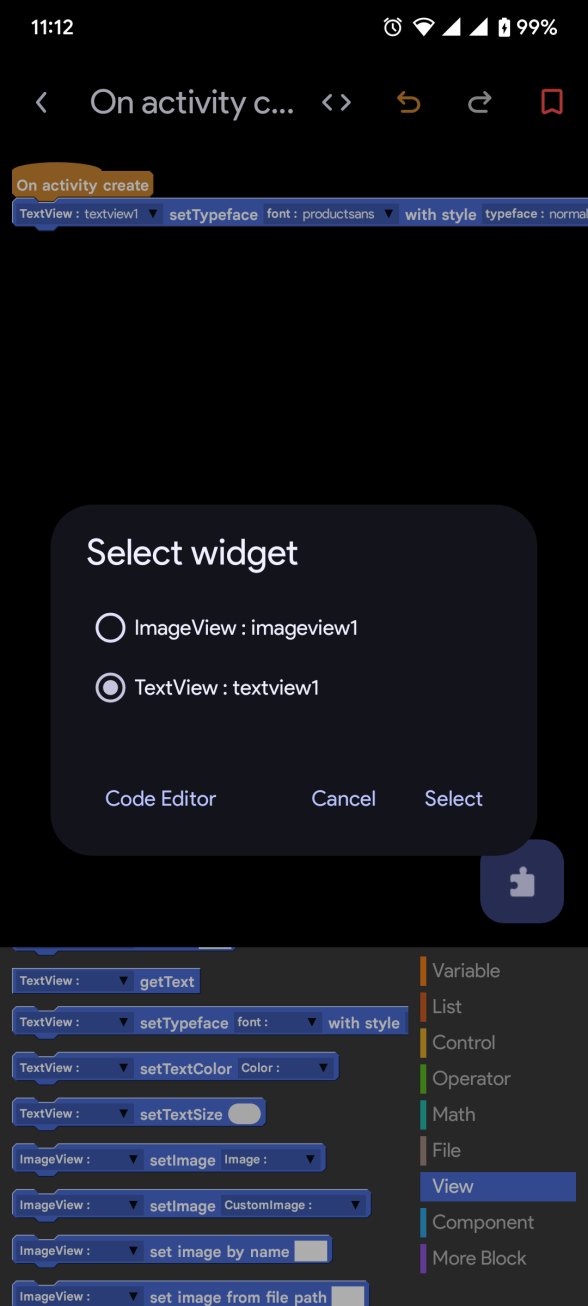
Build app logic visually by connecting blocks — no syntax errors, no confusion. Perfect for kids, students, and non-programmers.
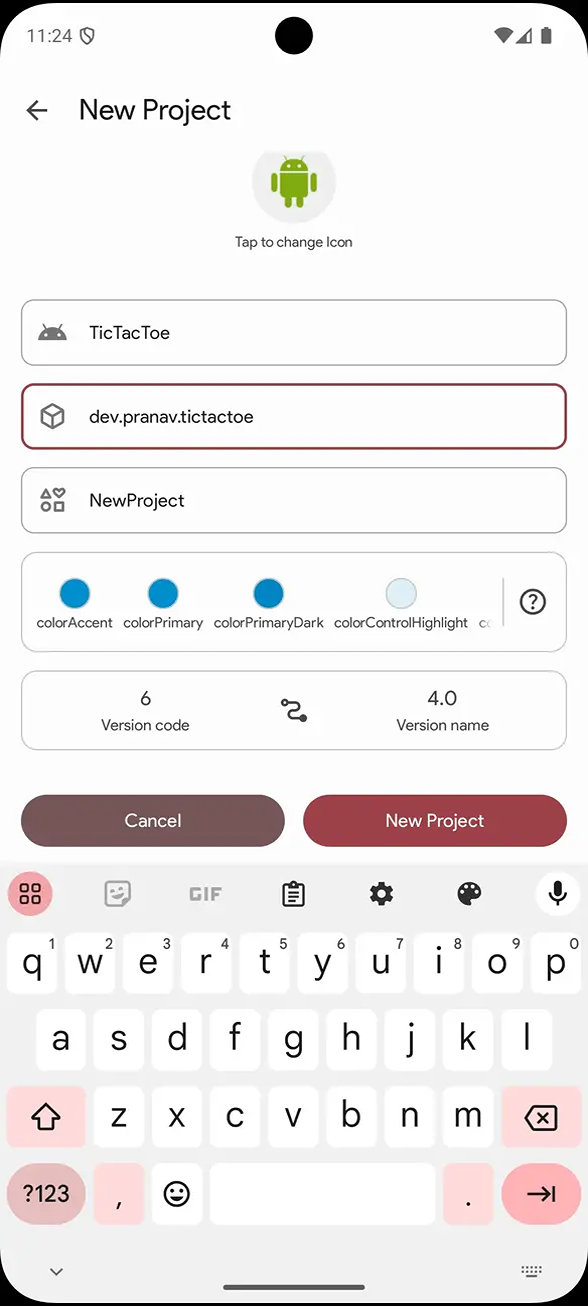
Design beautiful app screens with a WYSIWYG drag-and-drop interface. Add buttons, images, text fields, and more visually.
Unlike traditional IDEs, Sketchware Pro runs entirely on Android. No PC, no laptop — just your smartphone.
Sketchware Pro is 100% free with no hidden fees or subscriptions. The full source code is available on GitHub for anyone to audit or contribute.
Now supports Google's Material You design system — giving your apps a beautiful, modern, and dynamic look with adaptive colors.
Over 101,000+ downloads and growing. Join the Discord and Telegram communities to get help, share projects, and collaborate.
Sketchware Pro automatically adds events for you. No need to write boilerplate code — just drag the event block and it's done.
Since the source code is publicly available on GitHub, there are no hidden trackers or malware. What you see is what you get.
What's New in the Latest Version?
- ✅ Material You support — Google's modern design language for beautiful, adaptive interfaces
- ✅ Removed deprecated libraries — OneSignal, DynamicLinks, and Facebook Ads removed for a cleaner build
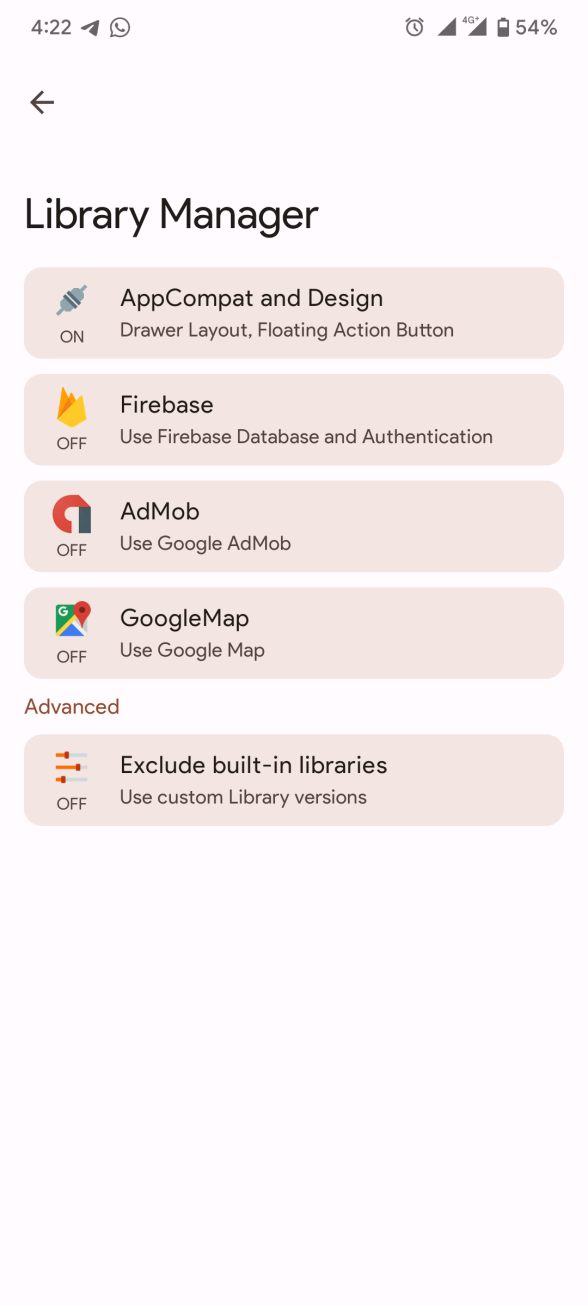
- ✅ Updated built-in libraries — All bundled libraries are now on more recent, stable versions
- ✅ Crash fixes & bug patches — Several stability improvements across the board
- ✅ Performance improvements — Faster and smoother experience overall
Release vs Nightly Build — Which Should You Download?
Hand-picked by developers and tested for stability. This is the version you should download if you're just getting started or want a reliable experience.
Built directly from the developer's latest code. May include new features but can be unstable or contain bugs. Only recommended for testers and advanced users.
Join the Sketchware Pro Community
One of Sketchware Pro's biggest strengths is its vibrant and helpful community. Whether you're stuck on a block, looking for inspiration, or want to share your latest app — the community has your back.
Who Is Sketchware Pro For?
- 👨🎓 Students learning programming concepts through visual blocks
- 💡 Entrepreneurs who want to prototype an app idea quickly
- 👨👩👧 Parents & educators teaching kids about app development
- 🧑💻 Hobbyist developers who want to build personal tools
- 🌐 Anyone without access to a PC who wants to build real Android apps
Ready to Build Your First App?
Download Sketchware Pro for free today — no PC, no coding, no excuses.
⬇️ Download Sketchware Pro NowFree • Open Source • No coding required • Works on Android 7+
Frequently Asked Questions
Is Sketchware Pro really free?
Yes! Sketchware Pro is completely free to download and use, forever. The source code is also open-source on GitHub.
Do I need coding knowledge to use it?
No! That's the beauty of Sketchware Pro. Everything is done with visual drag-and-drop blocks. No coding experience needed at all.
Can I publish apps made with Sketchware Pro to the Play Store?
Yes! Apps built with Sketchware Pro are real Android APKs that you can publish to the Google Play Store or share directly.
What Android version is required?
The standard version supports Android 8 and above. If you're on Android 7 or lower, a special older-device version is available on the download page.
Is Sketchware Pro safe to install?
Absolutely. The source code is publicly available on GitHub, so there's full transparency. No hidden trackers, no malware.
Disclaimer: All images, logos, and trademarks belong to their respective owners. Download link directs to the official Sketchware Pro website at sketchware.pro.